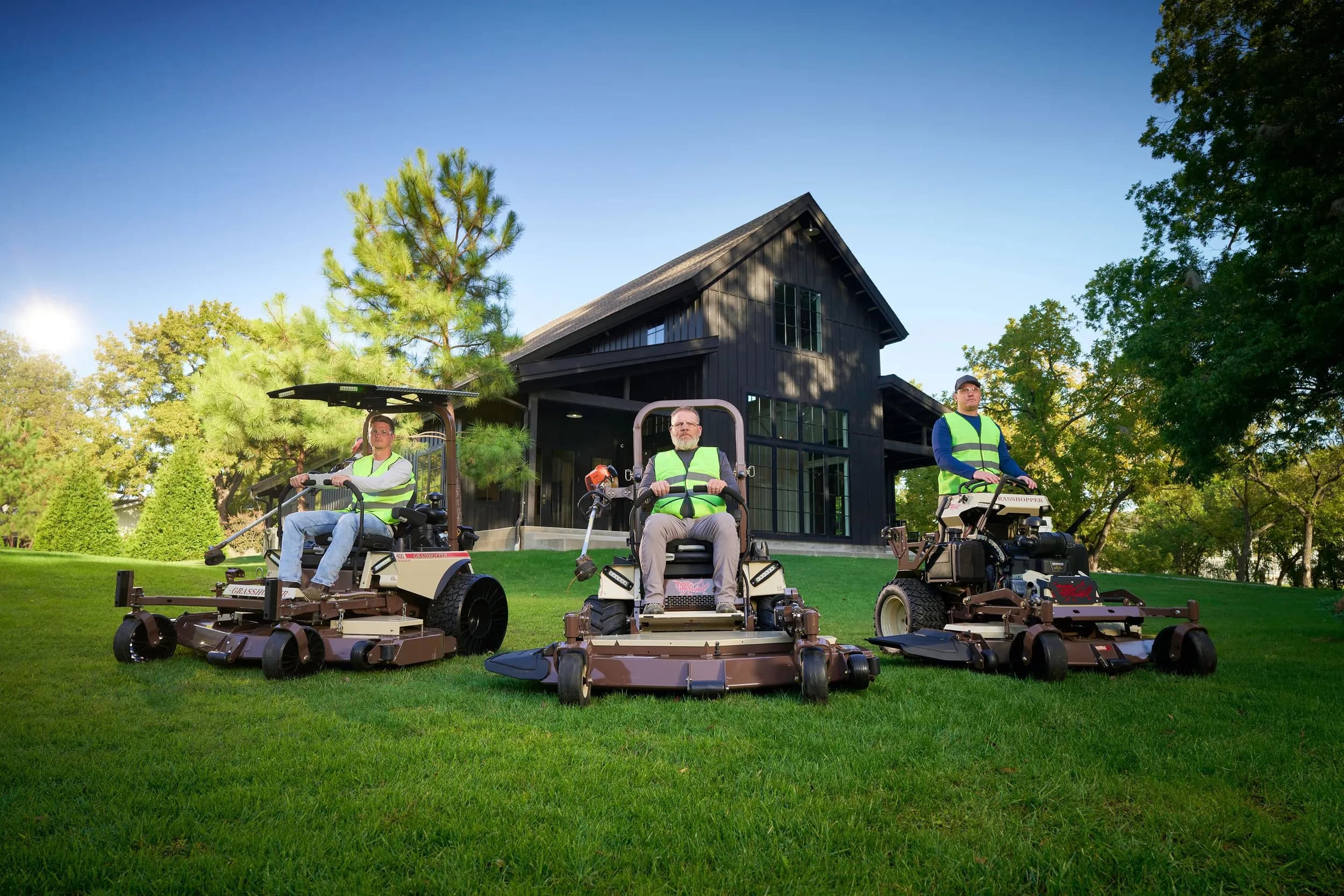
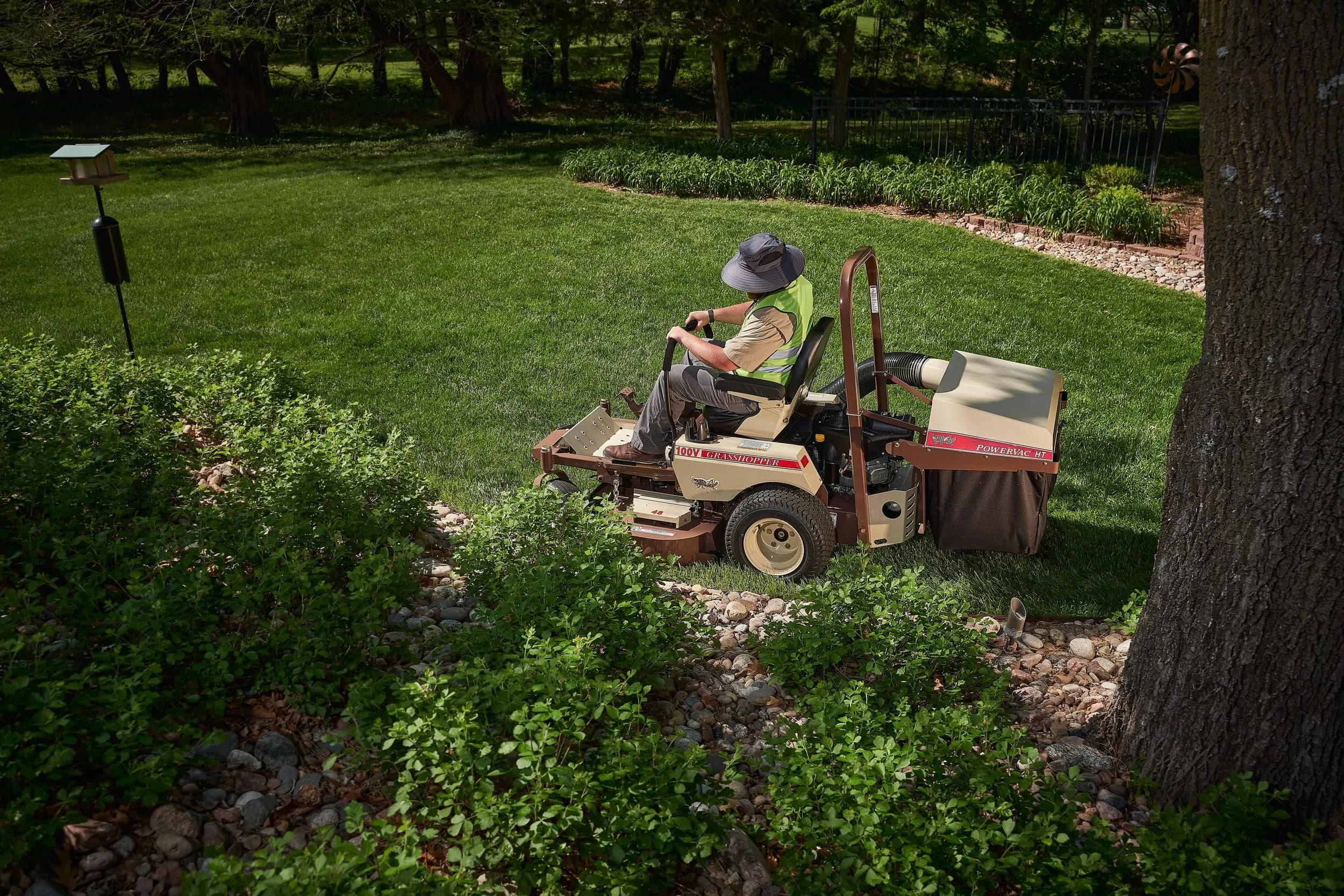
Take our quiz to find the best commercial zero-turn mower or best residential zero-turn mower for you.
Easily compare all riding lawn mower attachments to see how you can get more out of your mower.
Your local dealer can also offer great service and support for your riding lawn mower. Find the dealer nearest you.
Elite performance doesn't need to cost elite money. Get 0.98% APR financing for 48 months on any new Grasshopper zero-turn mower.
How to adjust the comfort features on a Grasshopper mower
Key takeaways in this article
- Tool-free comfort tuning: A Grasshopper zero-turn lawn mower's seat and control adjustments require no tools, letting any operator fine-tune fit.
- Fully adjustable seat: The Grammer suspension seat can be adjusted in up to four different ways to create the most comfortable riding experience.
- Suspension set by bodyweight: Grasshopper's zero-turn mower seat suspension is optimally adjusted when the indicator's yellow arrow sits centered for your weight.
- QuikAjust control levers: Grasshopper's QuikAjust Tilt steering levers tilt to any angle by loosening one center wing nut.
- PowerFold cutting height: Grasshopper's PowerFold deck lift adjusts cutting height with spacers, each spacer representing one-half inch.
To fully experience how a Grasshopper® is the most comfortable zero-turn lawn mower, an operator must know how to adjust the various comfort features to best match their individual preference.
Adjusting the seat and operator controls on a Grasshopper mower is simple for any operator and doesn’t even require the use of tools.
How do you adjust the seat and operator controls on a Grasshopper zero-turn lawn mower for comfort?
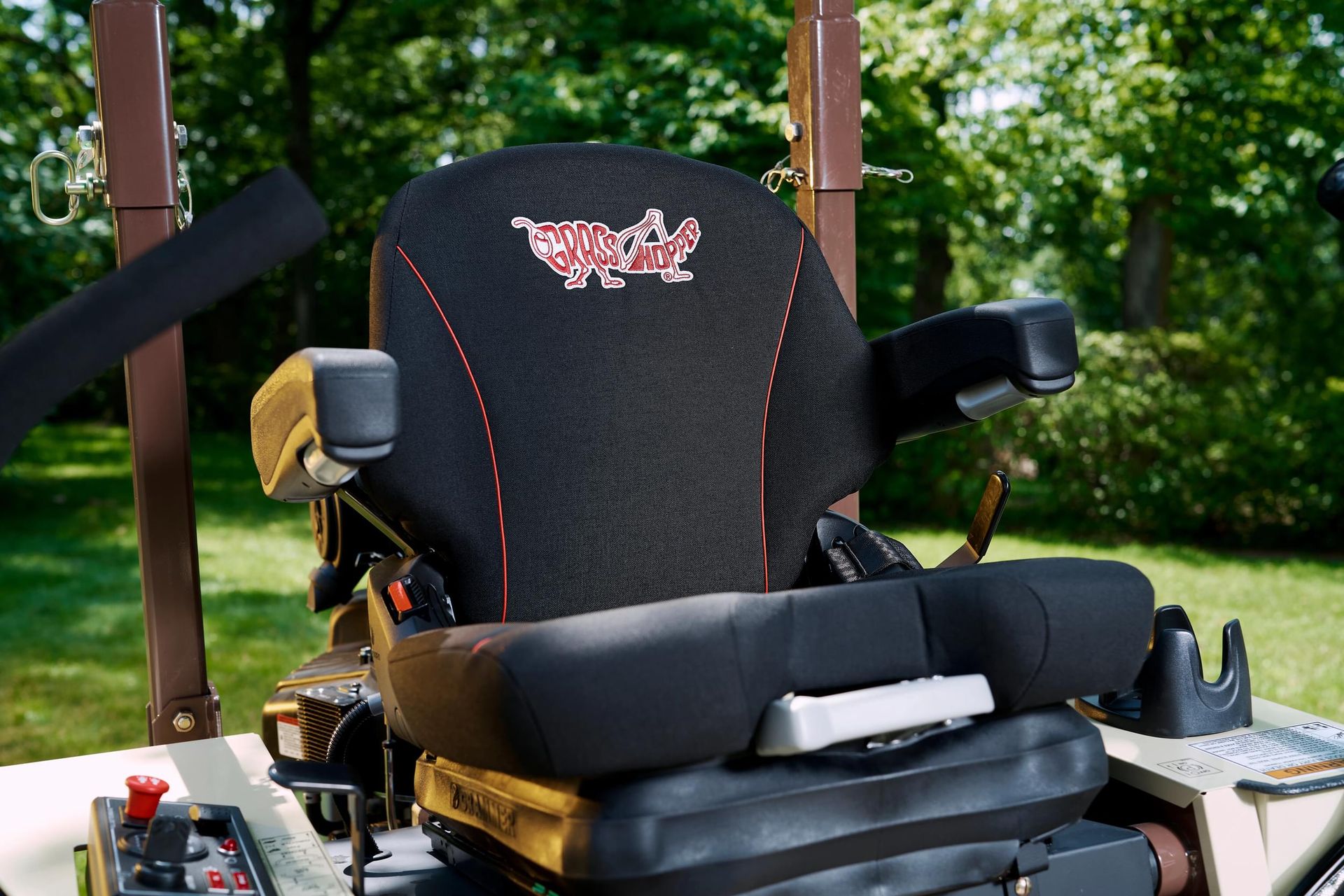
Adjusting a Grasshopper mower seat. Grasshopper mowers equipped with a Grammer suspension seat can be adjusted in five ways:
- To move the entire seat forward or backward, locate the gray lever on the front-bottom of the seat on the operator’s right side. Lift up on the lever to unlock the seat so you can slide it. (Please note that this specific Grammer seat feature is not available for 200VG4 models.)
- To adjust the position of the backrest, locate the gray lever beneath the armrest on the operator’s left side. Lift up on the lever to unlock the backrest so you can tilt it.
- To adjust the lumbar support, locate the gray dial on the back of the seat on the operator’s left side. Turn the dial in either direction to either increase or decrease the curvature of the cushion.
- To adjust the seat’s suspension, locate the gray lever on the front of the seat in the top-center. Unlatch the lever so it is pointing straight out. Now you can pump the seat up to add suspension (ideal for heavier operators) or down to reduce suspension (ideal for lighter operators). Notice the indicator gauge next to the lever. The yellow arrow will be centered when suspension has been optimally adjusted for your bodyweight.
- To adjust the seat's armrests, locate the gray dial which can be found on the underside of each armrest. Turn the dial to adjust the armrest angle. You can also flip each armrest up and out of the way, if desired.
Adjusting the operator controls on a Grasshopper mower. Grasshopper’s QuikAjust Tilt™ steering levers are easily adjusted in seconds without tools:
- Locate the wing nut in the center of the control lever.
- Turn the wing nut counterclockwise to loosen.
- Adjust the angle of the control lever to your liking.
- Turn the wing nut clockwise to retighten.
Grasshopper also offers an optional Tall Boy steering lever kit that extends each lever by 2 inches, providing larger operators with additional legroom.
How do you adjust the other comfort features on a Grasshopper zero-turn lawn mower?
Cup holder. Pull back on the tab to release the locking mechanism. Slide the back half of the cup holder forward or backward to accommodate the size of your beverage container. Press the tab back in to lock the cup holder into place. (Please note that this cup holder style is available on 2026 and older models. Any newer models feature a different design that accommodates various beverage container sizes.)
Canopy and accessories. An adjustable aluminum canopy is an optional feature for all Grasshopper MidMount™ and FrontMount™ mowers. The canopy can be positioned at several angles, allowing operators to adjust the tilt for their size and preferred level of sun protection. Additionally, two optional canopy add-ons are also available:
- LED lights mount on the front of the canopy. An on/off switch is located on a control box that mounts on the underside of the canopy directly above the operator.
- A fan kit can also be installed on the underside of the canopy in front of the control box. A switch on the control box turns the fan on/off, while a single wing nut on the fan itself can be loosened to adjust fan angle.
How do you adjust the PowerFold Electric Deck Lift on a Grasshopper FrontMount zero-turn lawn mower?
A standard feature on all FrontMount mowers, PowerFold® enables two primary functions, each of which can be adjusted without tools.
Adjust cutting height
- Locate toggle switch at rear of deck actuator on operator’s left side.
- Press switch to right.
- Grab round brown handle to lift up actuator cover.
- Slide height adjust spacers over the brown handle to lower cut height; each spacer represents 1/2 inch.
- Once height is set to your liking, set actuator cover back down.
- Press toggle switch to left to set actuator back in place.
Fold-Up deck to access blades, etc.
- Press toggle switch to right.
- Grab round brown handle to lift up actuator cover.
- Press toggle switch to left to automatically fold up deck.
- To lower deck, lift up actuator cover and press switch to right.
How do you adjust the comfort features on a Grasshopper OutStander® Stand-On Mower?
Adjustable command tower. Operators can raise/lower the command tower across a total path of 4.5 inches to best match their height. Locate the 3/4-inch bolt on top of the tower. Turning it to the left will raise the platform, while turning to the right will lower it. A standard drill driver and appropriately sized socket will allow you to turn the nut/bolt. Do not use an impact wrench to avoid damaging the bolt.
Shock-absorbent platform. Locate the black dampener on the right side of the operator platform. Using a 1/2-inch wrench, loosen and remove the lower bolt to reposition the bottom of the dampener to the rear hole. Doing so will provide for a slightly stiffer ride.
Suspension springs. The underside of the operator platform features four coil springs on sliders that can be adjusted for firmness. Simply loosen or tighten the top nut to adjust the degree of stiffness to your liking. Repeat for all four coil springs.
The ideal degree of stiffness will depend on the mowing conditions and, most importantly, operator preference. That is why Grasshopper mowers are designed with so many customizable comfort features. When those features are easy to adjust, every operator can fine-tune their machine to their own liking—and truly find out why a Grasshopper is the most comfortable zero-turn mower.
Once you’ve adjusted your Grasshopper mower’s comfort features to fit your preferences, you can take that comfort even further with additional upgrades and accessories. From replacement parts to accessories designed to enhance your mowing experience, you’ll find a variety of options at GrasshopperParts.com.
Ready to talk to a dealer?
Frequently asked questions
A Grasshopper zero-turn mower is built for comfort through a wide range of operator-adjustable features that let each rider match the machine to their own preference. These include a four-way-adjustable Grammer suspension seat, tool-free QuikAjust Tilt™ steering levers, angle-adjustable armrests, a sliding cup holder, and optional canopy add-ons like LED lights and a fan kit.
You adjust a Grasshopper mower's seat using gray levers and dials, with no tools required. All models except the Model 200V have a Grammer suspension seat that adjusts four ways: slide the whole seat forward or back, tilt the backrest, turn the lumbar dial to change cushion curvature, and pump the suspension up or down until the yellow indicator arrow centers for your bodyweight.
On FrontMount models you adjust cutting height with the standard PowerFold Electric Deck Lift, no tools needed. Press the toggle switch at the rear of the deck actuator to the right, lift the actuator cover by the round brown handle, then slide height-adjust spacers over the handle to lower the deck—each spacer equals 1/2 inch.
Locate the wing nut in the center of the control lever, turn it counterclockwise to loosen, set the lever to the angle you prefer, then turn the wing nut clockwise to retighten.
Most Grasshopper comfort adjustments need no tools—the seat, control levers, and PowerFold deck lift all adjust by hand. The exception is the OutStander Stand-On mower: raising or lowering its command tower requires a drill driver and 3/4-inch socket (never an impact wrench), and adjusting the platform dampener or suspension springs takes a 1/2-inch wrench.
.webp&w=3840&q=75)